
Claude Skills — Teaching AI What You Actually Mean
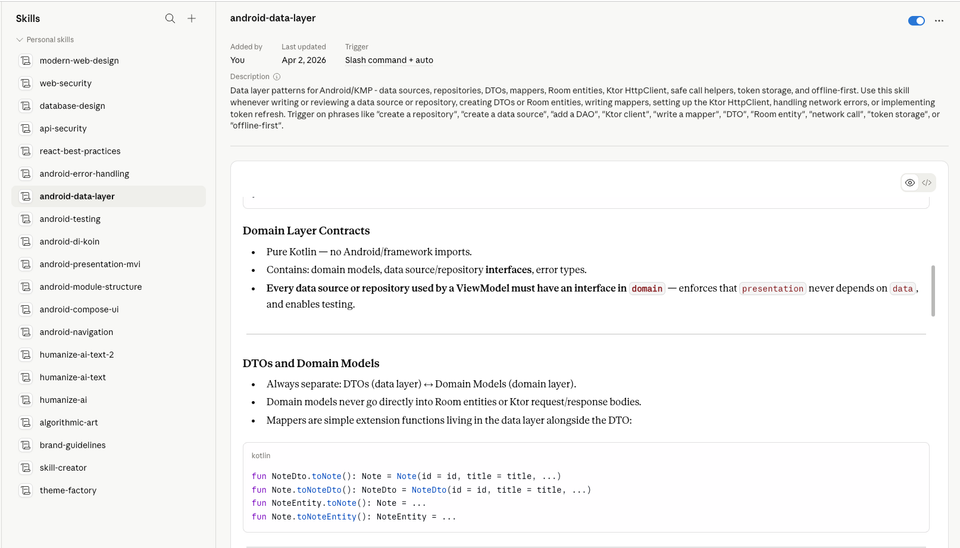
How a folder of markdown files turns a general-purpose AI into something that knows your stack, your standards, and your way of working.
Every time I ask Claude to build something, there is a version of the answer that technically works and a version that actually fits my project. The gap between those two is usually context — context about the stack I use, the patterns I follow, the things I already know and do not need explained.
Skills are my attempt to close that gap. Not through long prompts, not through elaborate system messages — through a reusable folder of markdown that Claude reads before it starts working.
What a Skill Is
A skill is a directory containing a SKILL.md file. That file is a condensed reference — written once, reused every time. When Claude decides it is relevant to your request, it reads that file first, then uses what it learns to shape the output.
yaml
---
name: react-best-practices
description: Comprehensive guide to building React apps in 2026 with modern
  best practices. Use this skill whenever the user asks about React architecture,
  component design, state management, data fetching, routing, or React 19.
---

# React Best Practices 2026

The recommended stack for new projects:
- Vite (build tooling, not Create React App)
- TanStack Router (type-safe, file-based routing)
- TanStack Query (server state + caching)
- Zustand (client state, when needed)
- Tailwind v4 (styling)
- React Hook Form + Zod (forms + validation)
...
The description in the frontmatter is what Claude uses to decide when to load the skill. The body is what it actually reads and applies. You write it once, and from then on, every relevant request gets the benefit of it.
A skill is not a prompt. It is closer to a colleague's README — the things they would tell you before handing over a codebase.
How They Get Triggered
Claude scans the description field of every skill and matches it against your request. If the match is strong enough, it reads the full file before responding.
User message → Skill matching → Read SKILL.md → Informed responseThe description does a lot of work here. A well-written one is specific enough to avoid false positives but broad enough to catch all the phrasings a real request might take. Writing a good description is actually most of the work when creating a new skill.
The Skills I Use
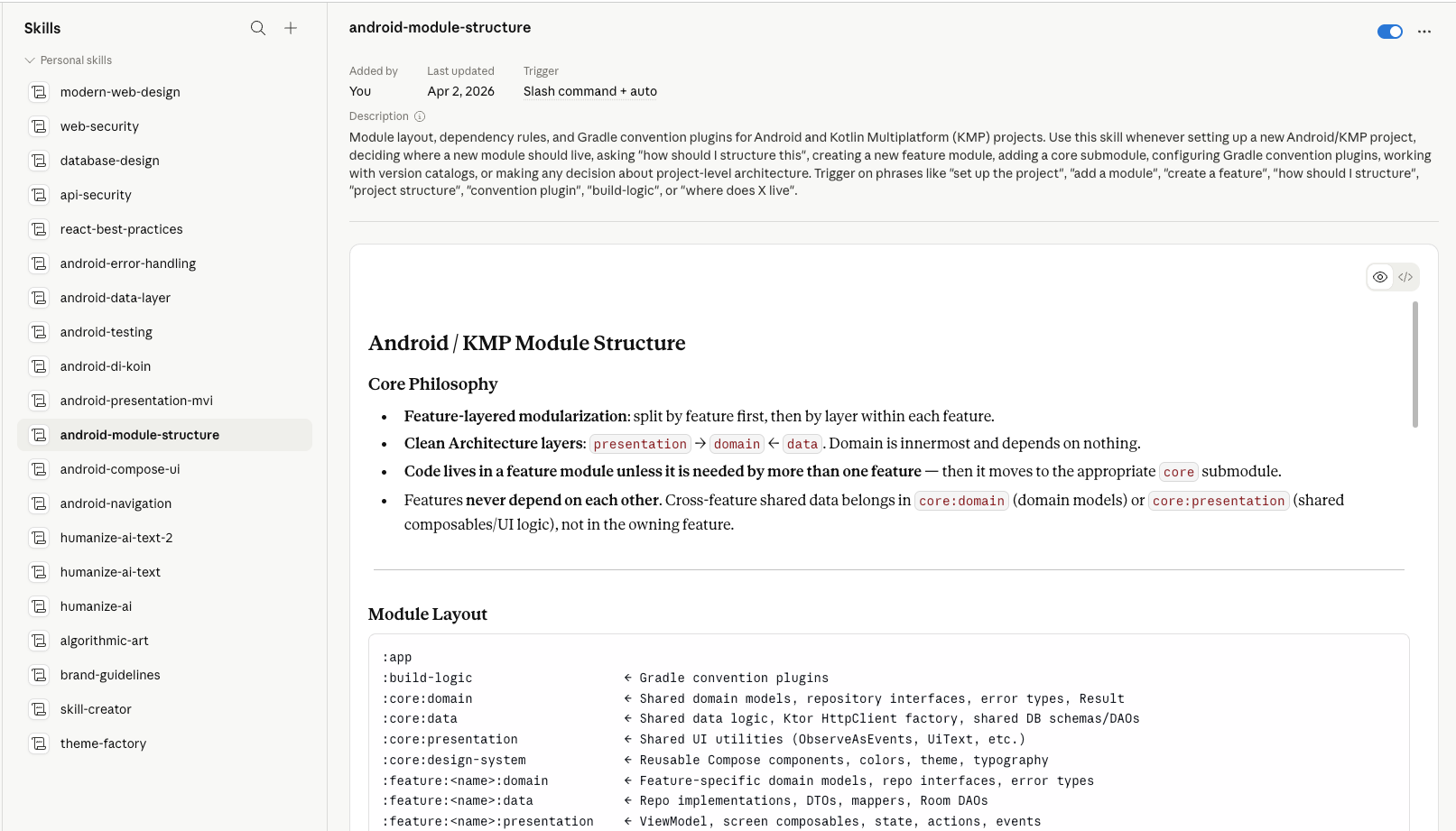
There are two layers: public skills that ship with Claude, and user skills I have built for my own projects.
What Makes a Good Skill
- The description covers all real phrasings — not just the obvious ones. If someone might ask "how do I structure errors in Kotlin", your Android error handling skill should catch that even if the words do not match exactly.
- The body is specific to your decisions — "Use Zustand for client state" is more useful than "there are several state management libraries."
- It reads like reference material, not prose — headers, short lists, code examples. Things Claude can scan fast.
- One skill per concern — monolithic skills that try to cover everything trigger too broadly and become stale faster.
- It documents your choices, not just your options — if you have already decided something, say so. The skill should save you from relitigating it every session.
Why This Works Better Than Long Prompts
A system prompt works for a single session. A skill file works across every session without you having to paste anything. It also forces you to write things down clearly — which turns out to be useful beyond just Claude. The react-best-practices skill I wrote is something I reference when reviewing code too, because it states exactly what decisions my projects follow and why.
The other thing is composability. Multiple skills can trigger at once. A request to "build an API endpoint for this feature" might pull in api-security and database-design together. You do not have to anticipate that combination — the matching handles it.
Building Your Own
Start narrow. Pick one part of your stack where the defaults Claude gives you are consistently wrong or generic. Write down exactly what you want instead. Frontmatter with a tight description, body with opinionated specifics. Test it by asking a few different questions that should trigger it and a few that should not.
The skill-creator skill can help — it has notes on how to write descriptions that trigger correctly and how to structure the body for fast scanning. But the real work is knowing your own preferences well enough to write them down clearly. That part nobody else can do for you.
The best skills are the ones that read back your own opinions clearly enough that you would not change a word.